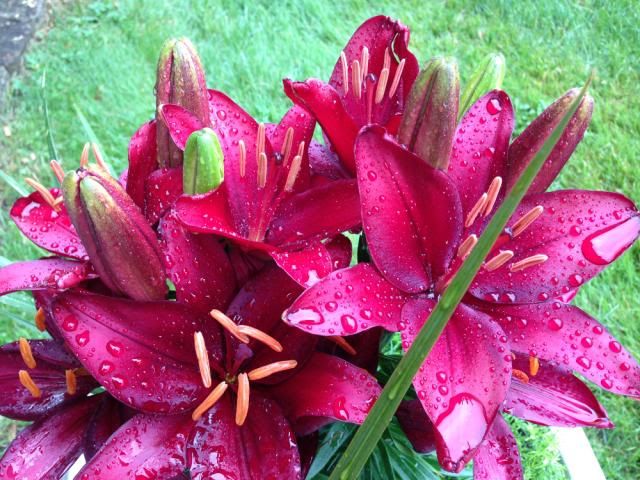
In this short project you will learn how to use GIMP to quickly and easily get a pencil sketch effect.

Note that the settings used in this tutorial work for the image I used. They can vary widely to achieve desired results for different source images. If you would like to download the picture I used in this tutorial, click here.
Open the image that you want to modify. Duplicate the image layer, Layer - Duplicate Layer.

Desaturate the duplicate layer, Colors - Desaturate..., Choose shade of gray based on: Lightness in the dialog.

Now, use the Edge-Detect filter on the duplicate layer to get the basis of the sketch effect, Filters - Edge-Detect - Edge..., select the Roberts Algorithm from the drop down menu, set the Amount to 5.

Invert the colors on the duplicate layer, Colors - Invert.

Reduce the Opacity using the controls in the Layers pallet. I turned it down to 50%.

To get a black-and-white sketch quickly, the process is almost identical.

However, after you duplicate the image layer, go to the Colors menu and select Desaturate..., Choose shade of gray based on: Luminosity. Duplicate the desaturated layer and continue as above.
Filters - Edge-Detect - Edge...
Algorithm (Roberts) - Amount (5)
Colors - Invert
Reduce Opacity (75%)

This text tutorial is based on a YouTube video tutorial by Techtonicc.